
Client: Waste Applications Inc. Atlanta, GA Date: 04/2022
Role: Lead UX Designer, User Research, Customized the UI
Project Summary
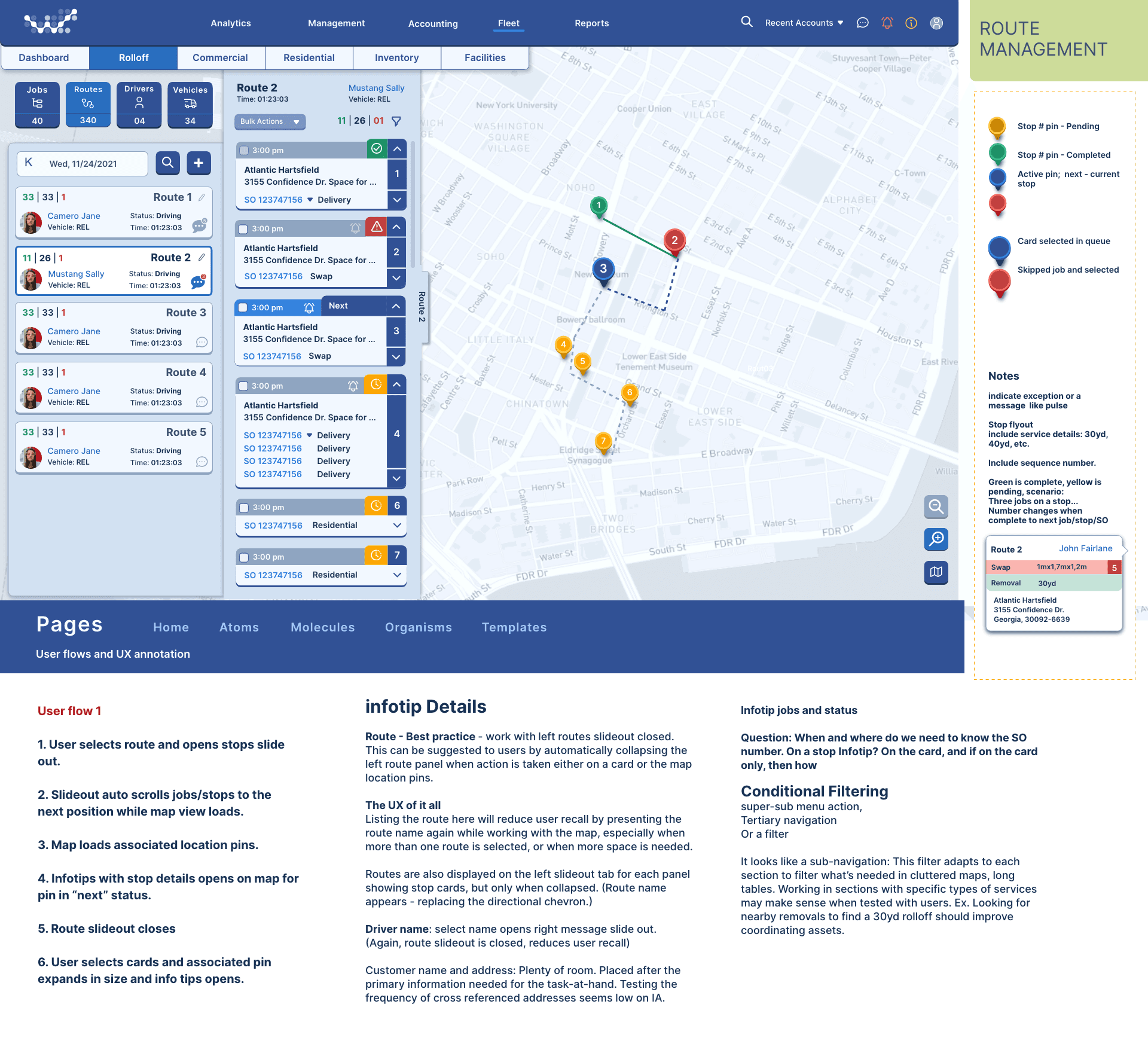
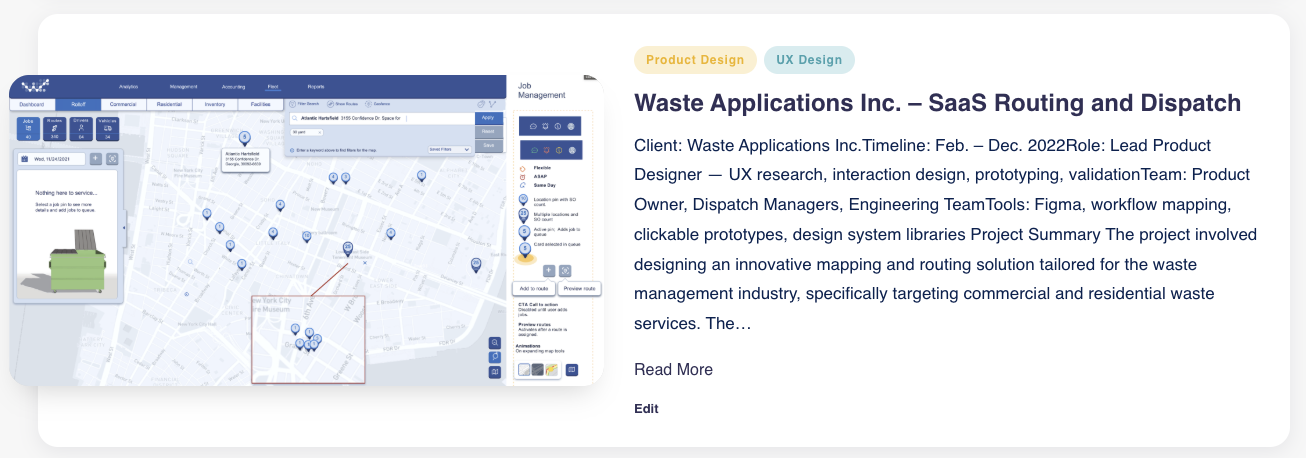
Startup – Innovative Mapping and Routing SaaS Design:
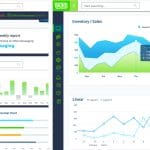
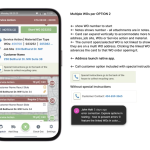
| Led the creation of an innovative Mapping and Routing SaaS tailored for use on both touchscreens and large displays. The design features a all-in-one interface leveraging rich colors and high contrast to highlight critical information, facilitating quick comprehension at a glance. The product focuses on mapping, tracking, dispatching, and routing functions, while providing detailed oversight of asset usage, revenue, vehicle operations, and account productivity throughout the platform. The design process involved extensive workshops to develop multiple versions, resulting in a versatile system with customizable element combinations. | Styled for touch or huge displays, all in one interface, using rich color and high contrast to easily convey important information at a glance. Designed specifically for mapping and tracking services, dispatch and routing; as well as, oversight into asset, revenue, vehicle and account productivity throughout the application. We workshopped this idea to come up with multiple versions to create flexible combinations of elements. |
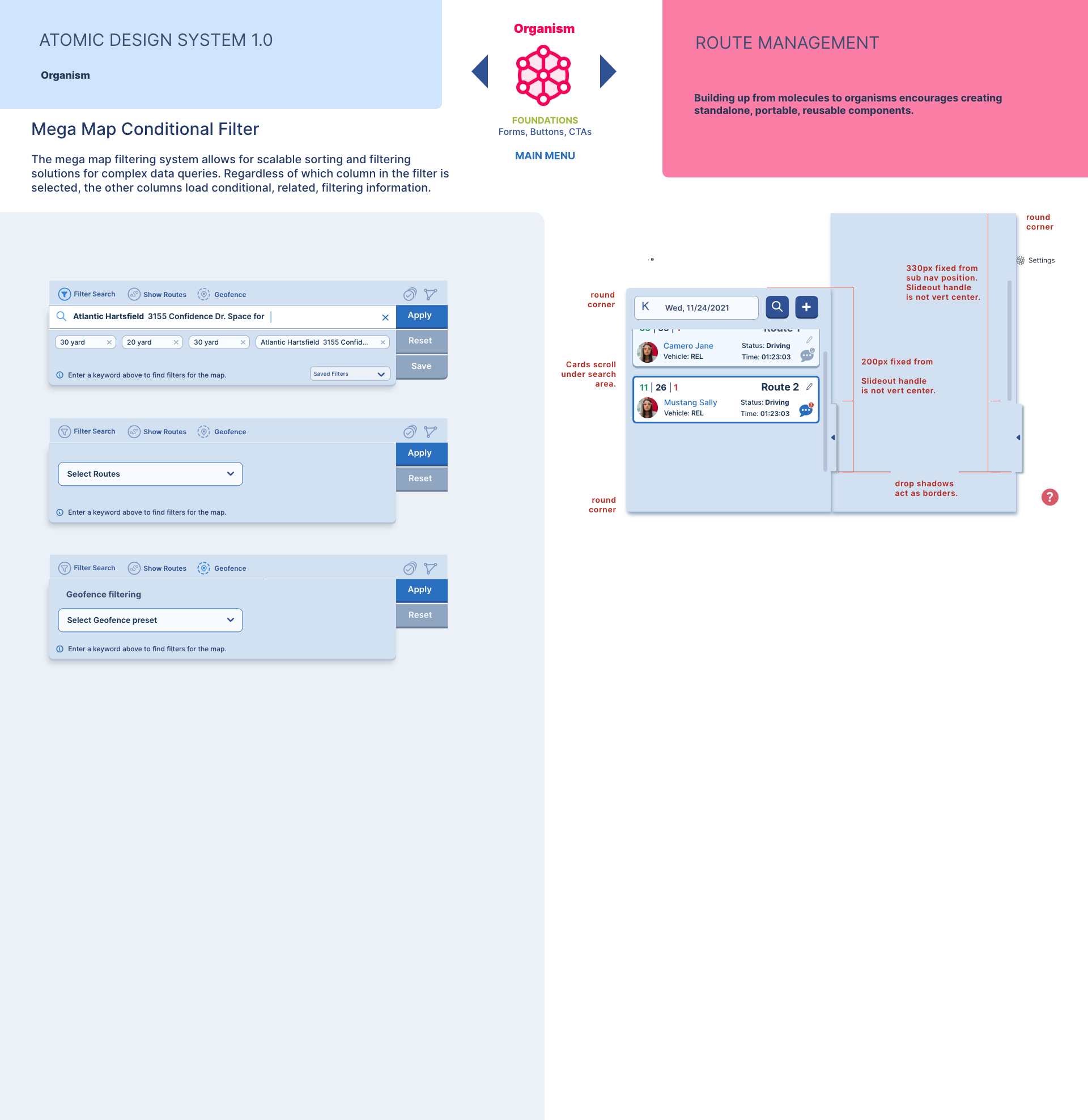
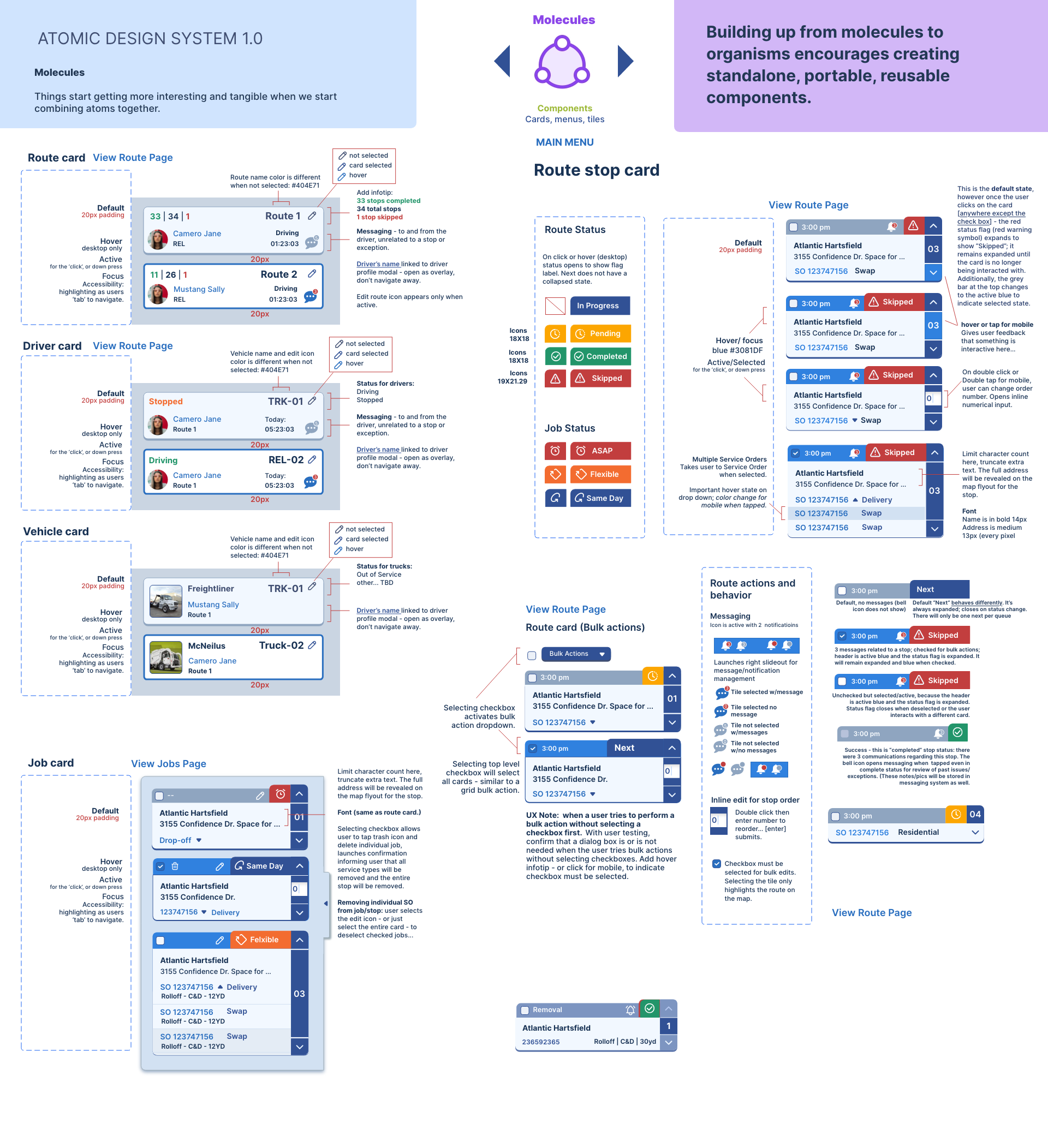
Atomic Design System 1.0 for Route Management UI
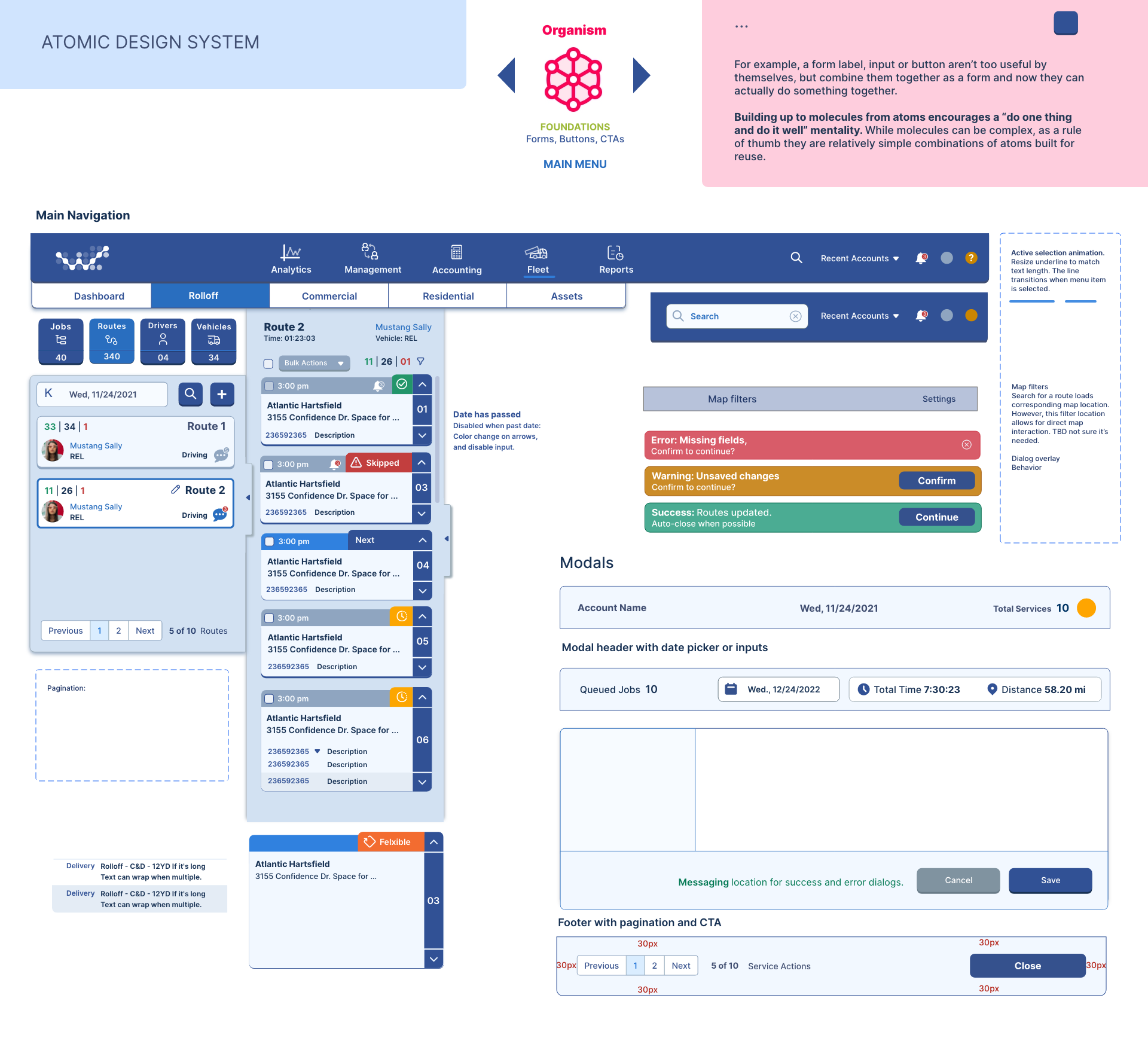
| This design system exemplifies Atomic Design by starting with molecules — small UI components like cards composed of smaller atomic parts — and builds seamlessly toward organisms and complex interfaces. Building from simple components encourages creating portable, reusable, standalone components. Breakdown based on Atomic Design: 1. Molecules (Combined atoms forming distinct UI elements)
| Concept: Building UI components as molecules, which are combinations of smaller elements (atoms), helps create meaningful, reusable units. These molecules can then be stacked into larger components (organisms), facilitating the creation of consistent, portable, and efficient interfaces. Route Card: Provides brief route details like number, driver photo and status, messaging info, and actions such as “View Route Page.” Supports states such as default, hover, active, selected, and focus with keyboard accessibility for easier navigation. Driver Card: Shows driver status with associated details (name, route, vehicle ID, location). Support interactive states and messaging functions to display differences in driving or stopped states. |